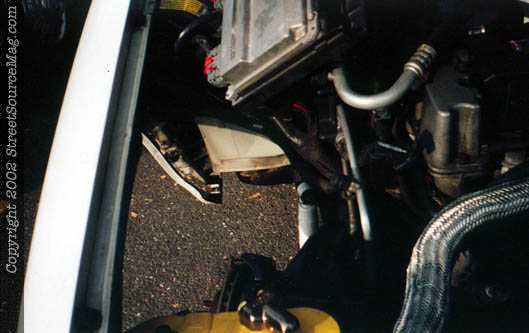
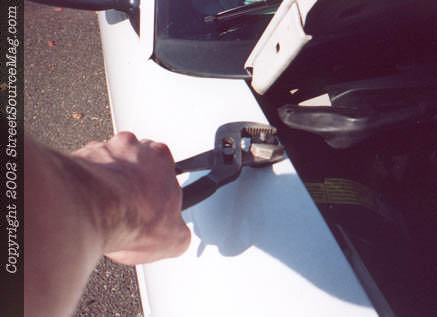
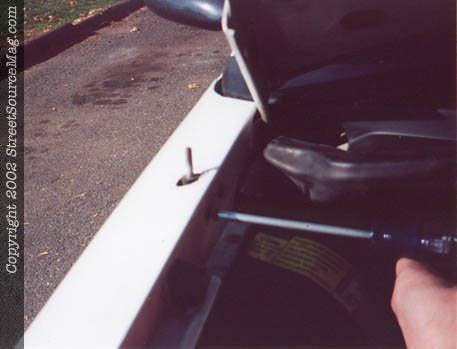
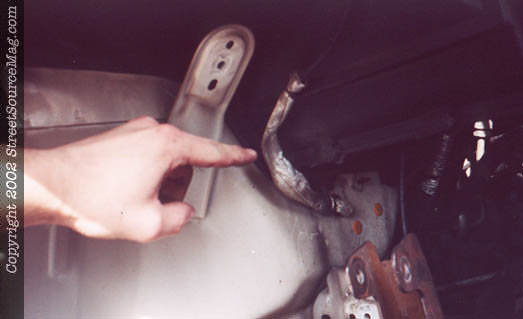
Step 4 Now get on your back and remove the eleven 13mm bolts holding the inner fender to the outer fender and firewall. Don't forget the nut that holds the battery clamp in position, its part of the inner fender as well. I opted to remove my battery afterwards, but you can just support it so it doesn't bend it's tray. Ta-da...now you have a big hole in your engine compartment. 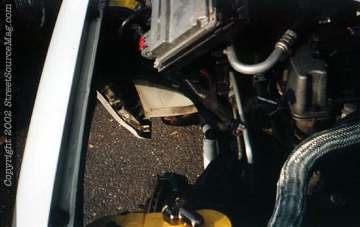 Step 5 Ok, back to the problem at hand. Begin the removal of your ugly stock antenna by unscrewing it off it's base, then use a suitable pair of pliers to remove the retaining nut off the fender. We're not going to reuse this so we're not too worried if it gets damaged. Step 5 Ok, back to the problem at hand. Begin the removal of your ugly stock antenna by unscrewing it off it's base, then use a suitable pair of pliers to remove the retaining nut off the fender. We're not going to reuse this so we're not too worried if it gets damaged. 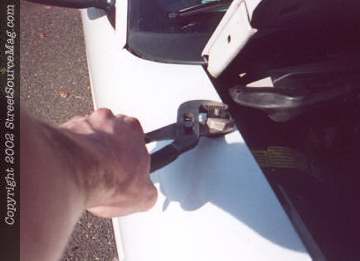 Step 6 Next take the 2 phillips head screws out of the fender that support the antenna base. Step 6 Next take the 2 phillips head screws out of the fender that support the antenna base. 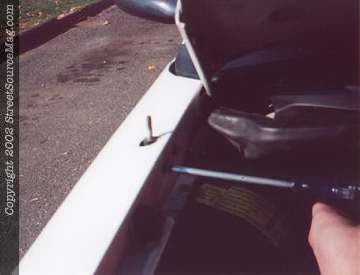
|
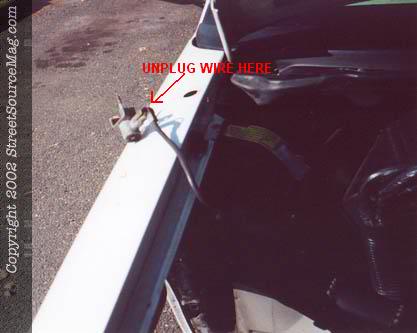
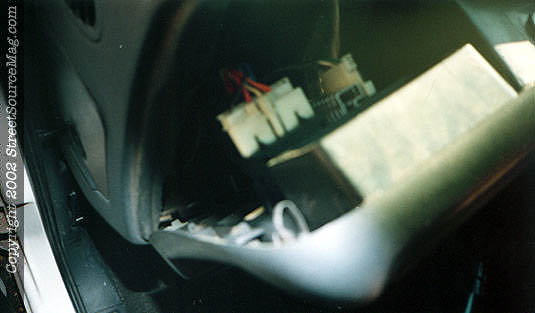
Step 7 There, it's off. Disconnect the antenna wire from it's base and throw the thing into the scrap heap. 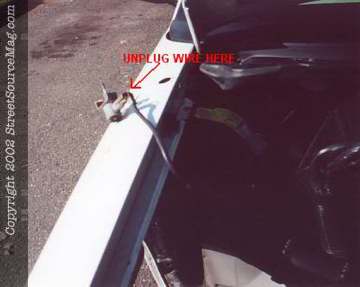 Step 8 Here is the wire snaking it's way down the firewall. Undo any hooks that might be wrapped around it, and push it into the cab. Now we move inside. Step 8 Here is the wire snaking it's way down the firewall. Undo any hooks that might be wrapped around it, and push it into the cab. Now we move inside. 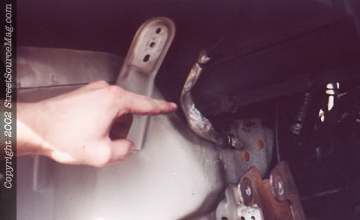 Step 9 Start by removing your dash surround. There are two phillips head screws above the gauge cluster, then the rest of it simply pulls off by the means of clips. Undo these two connectors that are for the lighting controls, and the surround is free. Wiggle it off, and set it aside. Step 9 Start by removing your dash surround. There are two phillips head screws above the gauge cluster, then the rest of it simply pulls off by the means of clips. Undo these two connectors that are for the lighting controls, and the surround is free. Wiggle it off, and set it aside. 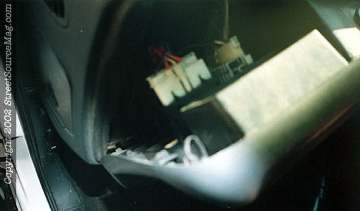
|